24
Whats My IP – Instantly Discover Your IP Address Online
Whats My IP – Instantly Discover Your IP Address Online
Whats My IP – Instantly Discover Your IP Address Online
Introduction
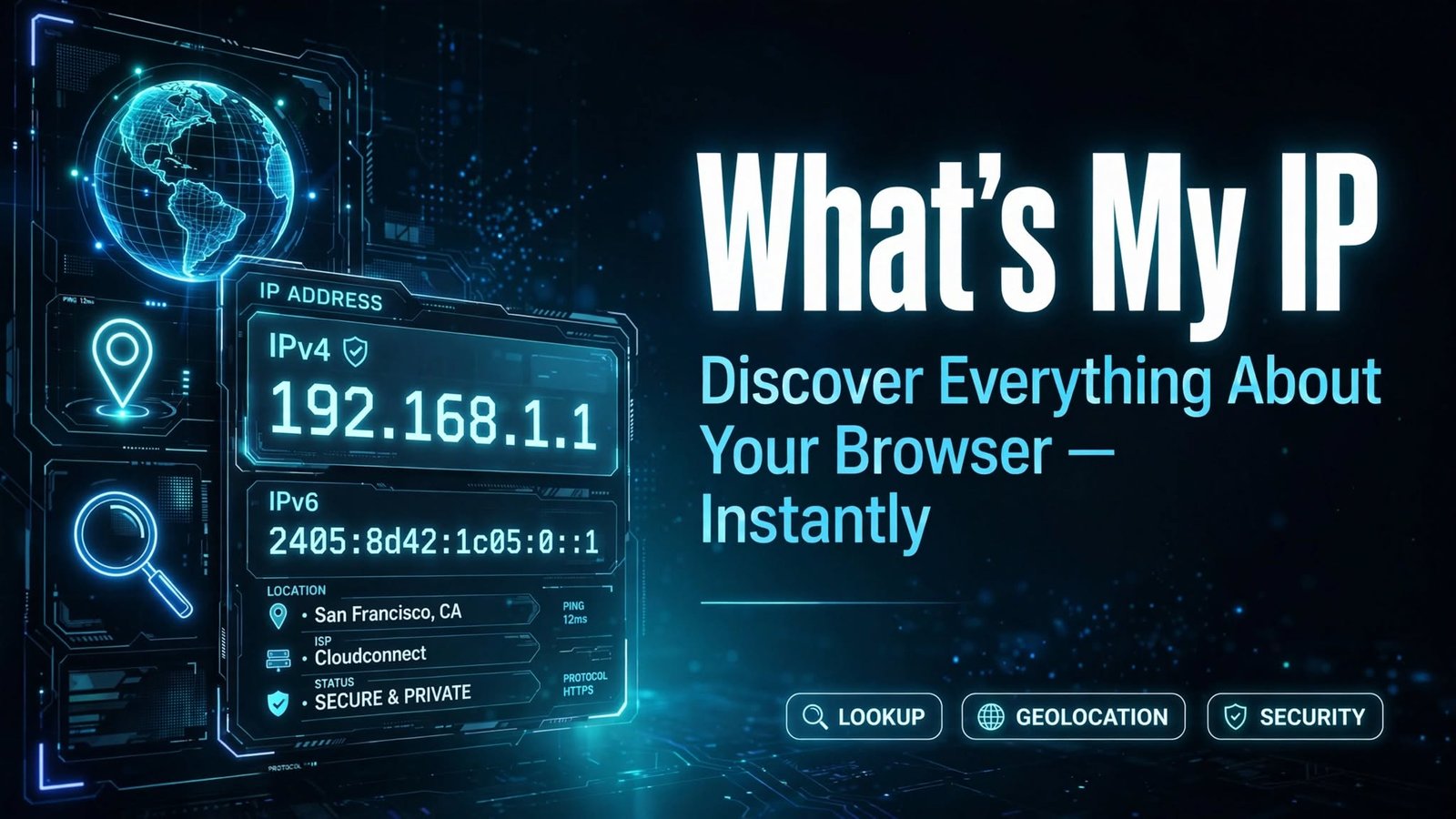
In today's digital world, your IP (Internet Protocol) address is your device's unique identity on the internet. Whether you're troubleshooting network issues, configuring security settings, setting up a server, or simply curious about your online identity, knowing your IP address is essential. Whats My IP is a fast, free, and easy-to-use online tool that instantly displays your public IP address along with useful details about your connection — no downloads, no sign-ups, no hassle.
What Is an IP Address?
An IP address is a numerical label assigned to every device connected to the internet. It works like a home address for your device, allowing data to travel to and from the right destination. There are two main types:
- IPv4 – The classic format (e.g., 192.168.1.1), consisting of four sets of numbers.
- IPv6 – The newer, longer format (e.g., 2001:0db8:85a3::8a2e:0370:7334) designed to accommodate the growing number of internet-connected devices.
Your public IP address is visible to websites and online services you visit, while your private IP address is used within your local network.
Key Features of Whats My IP
✅ Instant IP Detection – See your public IP address the moment the page loads.
✅ Detailed Connection Info – View your ISP (Internet Service Provider), approximate location, city, country, and timezone.
✅ IPv4 & IPv6 Support – Check both address types in one place.
✅ No Installation Required – 100% browser-based. Nothing to download or install.
✅ Free & Unlimited – Use the tool as many times as you want, at no cost.
✅ Works on All Devices – Fully compatible with desktops, laptops, tablets, and smartphones.
✅ Privacy-Friendly – We don't store, sell, or share your personal data.
Benefits of Using Whats My IP
1. Quick Network Troubleshooting
When your internet isn't working correctly, your IP address is often the first thing technical support will ask for. With Whats My IP, you can retrieve it in seconds and speed up the troubleshooting process.
2. Enhanced Security Awareness
Knowing your public IP helps you understand what information websites can see about you. If you're using a VPN or proxy, you can verify it's working by checking whether your IP address has changed.
3. Remote Access & Server Setup
Setting up remote desktop access, a game server, CCTV remote viewing, or FTP access? You'll need your public IP address to configure connections — Whats My IP gives it to you instantly.
4. Verify VPN & Proxy Connections
One of the most popular uses of an IP lookup tool is confirming that your VPN is active. If your displayed IP matches your VPN server's location instead of your real one, your privacy protection is working.
5. Accessing Geo-Restricted Content
Before trying to access region-locked services, check your IP location to confirm you appear to be browsing from the right country.
6. Whitelisting for Business & Development
Developers, IT admins, and business owners often need to whitelist their IP address on firewalls, APIs, or hosting platforms. Whats My IP makes this a one-click task.
7. Report Suspicious Activity
If you've been a victim of online fraud or hacking, knowing your IP address helps when filing reports with authorities or your ISP.
8. Educational Value
Learning about IP addresses, DNS, ISPs, and geolocation helps everyday users become more tech-savvy and security-conscious.
Who Can Benefit From Whats My IP?
- Everyday internet users curious about their digital footprint
- Gamers setting up servers or port forwarding
- Remote workers connecting to office networks
- IT professionals & system admins managing networks
- Developers testing API restrictions and geo-blocking
- VPN users verifying their connection
- Businesses configuring secure remote access
How to Use Whats My IP
Using the tool couldn't be simpler:
- Visit the Whats My IP website.
- Your IP address appears instantly on your screen.
- View additional details like your ISP, location, and browser info.
- Copy your IP address with one click if needed.
That's it — no registration, no ads blocking your view, no waiting.
Frequently Asked Questions (FAQ)
Q: Is it safe to share my IP address?
Your IP address is visible to every website you visit. However, avoid sharing it publicly, as it can be used for targeted attacks. Consider using a VPN for added privacy.
Q: Why does my IP address change?
Most ISPs assign dynamic IP addresses that change periodically. If you need a fixed address, ask your ISP about a static IP.
Q: Can this tool show my exact home address?
No. The tool shows only an approximate location (usually your city or region), not your precise street address.
Q: Does Whats My IP work on mobile?
Yes! The tool works seamlessly on smartphones, tablets, and all modern browsers.
Conclusion
Your IP address is the gateway to your online presence, and knowing it empowers you to troubleshoot faster, secure your connection, and take control of your digital identity. Whats My IP delivers this information instantly, accurately, and completely free. Whether you're a casual user or an IT professional, it's the simplest way to answer the question: "What's my IP?"
Try Whats My IP now — and discover your online identity in one click! 🌐
Contact
Missing something?
Feel free to request missing tools or give some feedback using our contact form.
Contact Us